
Course description
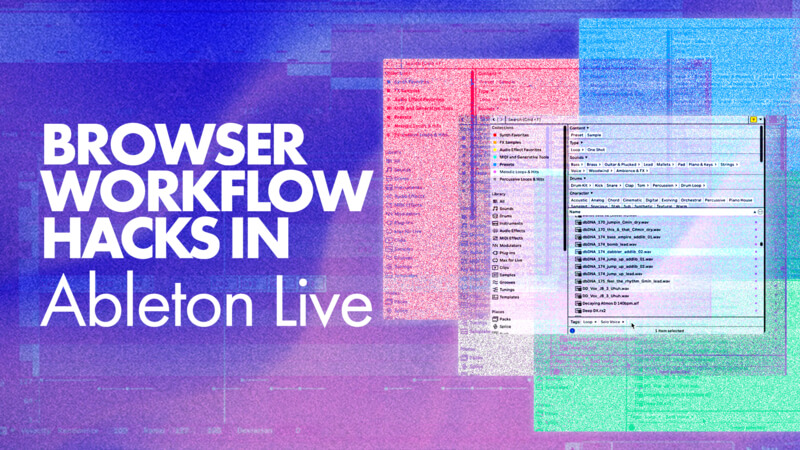
This week, we welcome back P-LASK for a deep dive into the Ableton Live Browser and how to use it to speed up your workflow.
While this isn't a music production tutorial in the traditional sense, it's one of the most valuable places to start. Whether you're opening a new project or staring at a blank canvas, having a well-organized browser means spending less time searching and more time creating.
In this tutorial, P-LASK explores the powerful browser features introduced in Ableton Live 12, including tagging, categorizing, favouriting, and adding custom folders. By taking a little time to organise your samples, instruments, and sounds, you'll be able to find exactly what you need when inspiration strikes.
Check it out!
- Tutorials
- Comments