


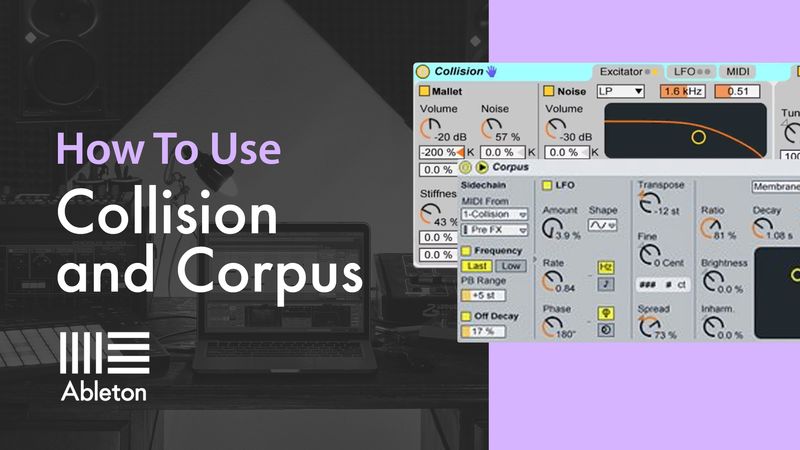
How To Use Collision and Corpus with P-LASK
Tutorial 10 - Transforming Percussion Loops with Corpus

by P-LASK
Tutorial Description
In this tutorial we feed an audio drum loop into Corpus and use it to create tonal effects.
Course Progress
- Comments
- Details
Course description
Sonic Academy is proud to welcome back Ableton certified trainer P-LASK for a new 'How To Use' course as he takes an in-depth look at 'Collision' and 'Corpus'.
Ableton's 'Collision' is a unique physical modelling synth that replicates striking an item against another to create sound giving a very organic method of sound creation and design that can achieve some awesome results. Add in the effects version - 'Corpus' which activates or 'resonates' from the incoming audio of your choice, P-LASK shows us that there is a whole load of fun to be had with these seldom-used Ableton devices.
Starting with an overview of the controls P-LASK gives an easy-to-follow demonstration on how to use each of these plugins and as stock plugins go, these two can get some surprising results!
Definitely one for all Ableton users to check out!
Course Resources
Resources are only available for Subscribers or if you have purchased this course - you can Subscribe Here to get access to these courses resources as well as resources for ALL of our courses
Sign in
Subscribe
Course Notes
- Comments
- Details
Course description
Sonic Academy is proud to welcome back Ableton certified trainer P-LASK for a new 'How To Use' course as he takes an in-depth look at 'Collision' and 'Corpus'.
Ableton's 'Collision' is a unique physical modelling synth that replicates striking an item against another to create sound giving a very organic method of sound creation and design that can achieve some awesome results. Add in the effects version - 'Corpus' which activates or 'resonates' from the incoming audio of your choice, P-LASK shows us that there is a whole load of fun to be had with these seldom-used Ableton devices.
Starting with an overview of the controls P-LASK gives an easy-to-follow demonstration on how to use each of these plugins and as stock plugins go, these two can get some surprising results!
Definitely one for all Ableton users to check out!
Course Resources
Resources are only available for Subscribers or if you have purchased this course - you can Subscribe Here to get access to these courses resources as well as resources for ALL of our courses
Sign in
Subscribe