


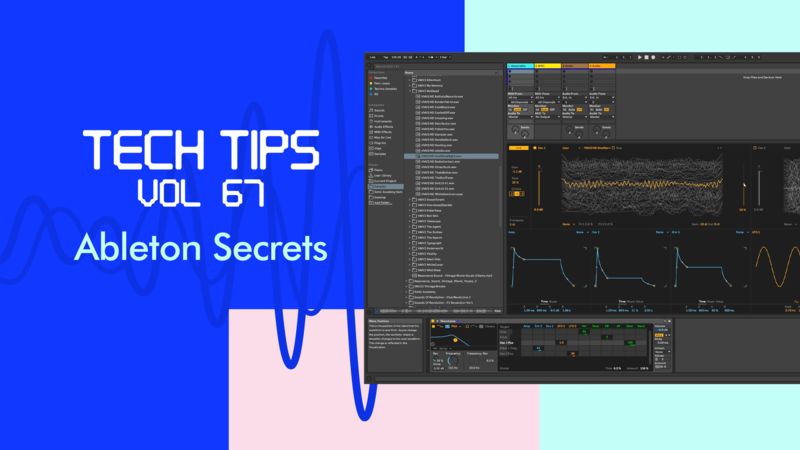
Ableton Secrets
Tutorial 666 - Rank Ableton Plugins

by Bluffmunkey
Tutorial Description
In this cool tip we look at how we can change the display of how the Ableton plugins are shown in the menu by ordering them in how often we use them.
Course Progress
- Comments
- Details
Course description
It's time for another set of Tech Tips as we welcome back Bluffmunkey for Volume 67.
Over these ten videos, he's checking out some tips and tricks in Ableton that'll help you speed up workflow so you can get on with the fun stuff!
We look at key mapping shortcuts, organisation tips and setting up your track's default along with making delays sound better, unusual wavetables, levelling up on your saturator use and more - there's something for all Ableton users here, whatever your ability.
Check it out!
Course Resources
Resources are only available for Subscribers or if you have purchased this course - you can Subscribe Here to get access to these courses resources as well as resources for ALL of our courses
Sign in
Subscribe
Course Notes
- Comments
- Details
Course description
It's time for another set of Tech Tips as we welcome back Bluffmunkey for Volume 67.
Over these ten videos, he's checking out some tips and tricks in Ableton that'll help you speed up workflow so you can get on with the fun stuff!
We look at key mapping shortcuts, organisation tips and setting up your track's default along with making delays sound better, unusual wavetables, levelling up on your saturator use and more - there's something for all Ableton users here, whatever your ability.
Check it out!
Course Resources
Resources are only available for Subscribers or if you have purchased this course - you can Subscribe Here to get access to these courses resources as well as resources for ALL of our courses
Sign in
Subscribe