


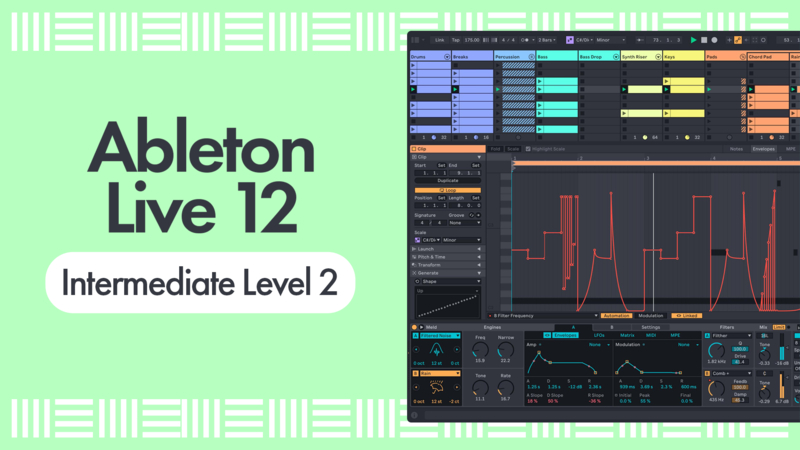
Ableton Live 12 Tutorial for Intermediates - Level 2
Tutorial 12 - Recording Scenes to Arrangement

by P-LASK
Tutorial Description
Now all our scenes are ready we can record them live into the Arrangement view.
Course Progress
- Comments
- Details
- Resources 1
Course description
Ableton Certified Trainer P-LASK is back with the next step in the series, following on from Ableton Live 12 Intermediate Level 1, to help you take your production skills even further!
In Intermediate Level 2, we dive deeper into some of Ableton Live’s most powerful creative features, including warping, resampling, audio slicing, clip envelopes, and more. You’ll learn practical techniques and creative workflows designed to help you transform ideas into polished tracks with confidence.
By the end of the course, you’ll have a stronger understanding of Ableton Live 12’s advanced tools and workflows — along with a track ready to play out, share, or upload to your favourite platforms.
Whether you’ve been producing for years or are continuing your journey into music production, this course is packed with professional tips, creative insights, and overlooked techniques that can instantly improve your workflow and sound.
Check it out!
Course Resources
Resources are only available for Subscribers or if you have purchased this course - you can Subscribe Here to get access to these courses resources as well as resources for ALL of our courses
Sign in
Subscribe
Course Notes
- Comments
- Details
- Resources 1
Course description
Ableton Certified Trainer P-LASK is back with the next step in the series, following on from Ableton Live 12 Intermediate Level 1, to help you take your production skills even further!
In Intermediate Level 2, we dive deeper into some of Ableton Live’s most powerful creative features, including warping, resampling, audio slicing, clip envelopes, and more. You’ll learn practical techniques and creative workflows designed to help you transform ideas into polished tracks with confidence.
By the end of the course, you’ll have a stronger understanding of Ableton Live 12’s advanced tools and workflows — along with a track ready to play out, share, or upload to your favourite platforms.
Whether you’ve been producing for years or are continuing your journey into music production, this course is packed with professional tips, creative insights, and overlooked techniques that can instantly improve your workflow and sound.
Check it out!
Course Resources
Resources are only available for Subscribers or if you have purchased this course - you can Subscribe Here to get access to these courses resources as well as resources for ALL of our courses
Sign in
Subscribe